 NAT VPN
How to buy a NAT VPN subscription on the website
Purchase your subscription on natlink.ru in your own account. After payment, access will appear in that same dashboard, and you can continue with device setup.
Sign in to the official dashboard
Open natlink.ru and press Sign in or register.
Use your preferred sign-in method.
If you already have a subscription, sign in to the same account to avoid creating another one.
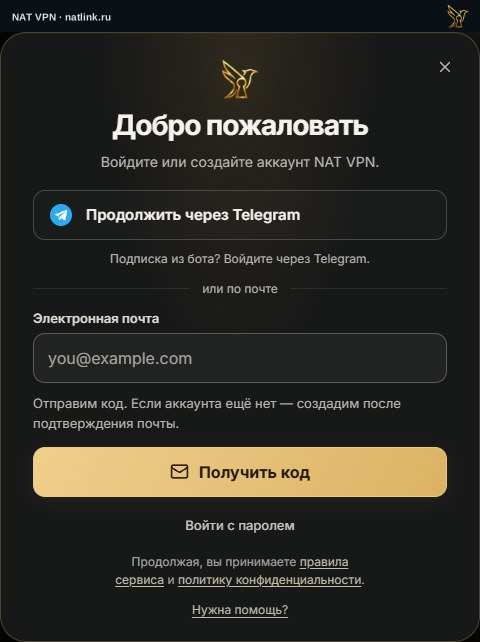
NAT VPN sign-in window in Russian. Email, name and verification-code fields in this example are empty.
Choose a plan and term
In Billing, check the term, price and number of devices.
Make sure you are buying the plan you need.
Extra LTE traffic is a separate purchase and does not replace a subscription.
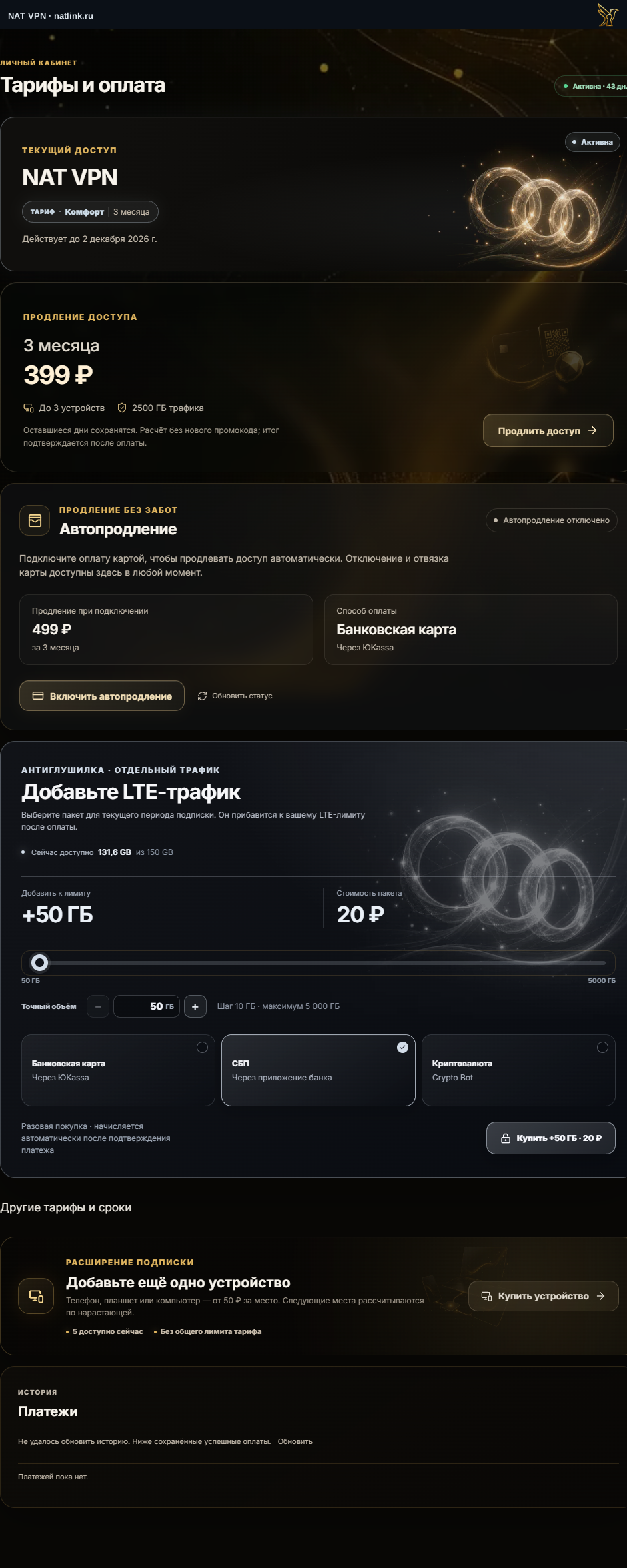
An example of the Russian dashboard without personal details. Check the current amount in your own order.
Pay for the order
Choose an available payment method and open the payment form.
Enter card details only on the payment service’s page.
Do not send support your bank password, CVV or verification codes.
Do not make another payment if the bank has already confirmed the charge. Returning to the website does not by itself mean that payment is confirmed.
Check access and connect
Return to the dashboard and wait for payment confirmation.
Check the subscription expiry date, then open Connection and choose your device and app.
If payment completed but access did not appear, open Support.